
Beelink Mini PC SER9 Pro AMD Ryzen 7 255
4.0Editor score
Openclaw Pre Installed
Radeon 780M Graphics
Triple Display Support
Discover the top desktop PCs with Ubuntu pre installed for developers and professionals. This guide compares performance, hardware, and software features to
Finding a desktop PC with Ubuntu pre installed saves time and ensures compatibility for developers and tech enthusiasts. These systems offer a streamlined experience right out of the box without the hassle of manual installation or driver conflicts.
We compared ten real products based on processor power, memory capacity, storage speed, and connectivity options. Each entry includes verified specifications and user ratings to help you make an informed decision for your specific workflow needs.
Each pick highlights unique strengths like AI acceleration, dual boot flexibility, or compact design. Please note that availability and pricing can change frequently so always check the latest details before purchasing your next Linux desktop system.
4.0Editor score
5.0Editor score
This side by side comparison highlights the key differences between each model including processor generation memory speed and operating system specifics to help you choose the right machine.






The NIMO Mini PC stands out as the top pick for those needing both Windows and Linux without extra setup. It arrives with both operating systems pre installed allowing you to switch based on your immediate needs seamlessly.
We may earn a commission when you buy through this link, at no additional cost to you.
Powered by the AMD Ryzen AI Max+ 395 processor this machine handles heavy computational tasks with ease. The integrated NPU accelerates AI workflows locally which is crucial for developers running models without relying on cloud services.
While the price is higher it justifies the investment for professional environments needing reliability and performance. The thermal design ensures quiet operation even under full load making it suitable for office desks.
Buy this if you need a workstation that supports both gaming and Linux development environments immediately. It is the most versatile choice for users who refuse to compromise on either operating system experience.
You can reboot into Ubuntu for coding or Windows for gaming without installing either system from scratch. This flexibility saves hours of setup time for teams managing diverse software stacks.
The dedicated NPU handles image generation and data modeling faster than standard CPUs. This ensures your local AI tasks remain efficient and private without needing external servers.
We may earn a commission when you buy through this link, at no additional cost to you.
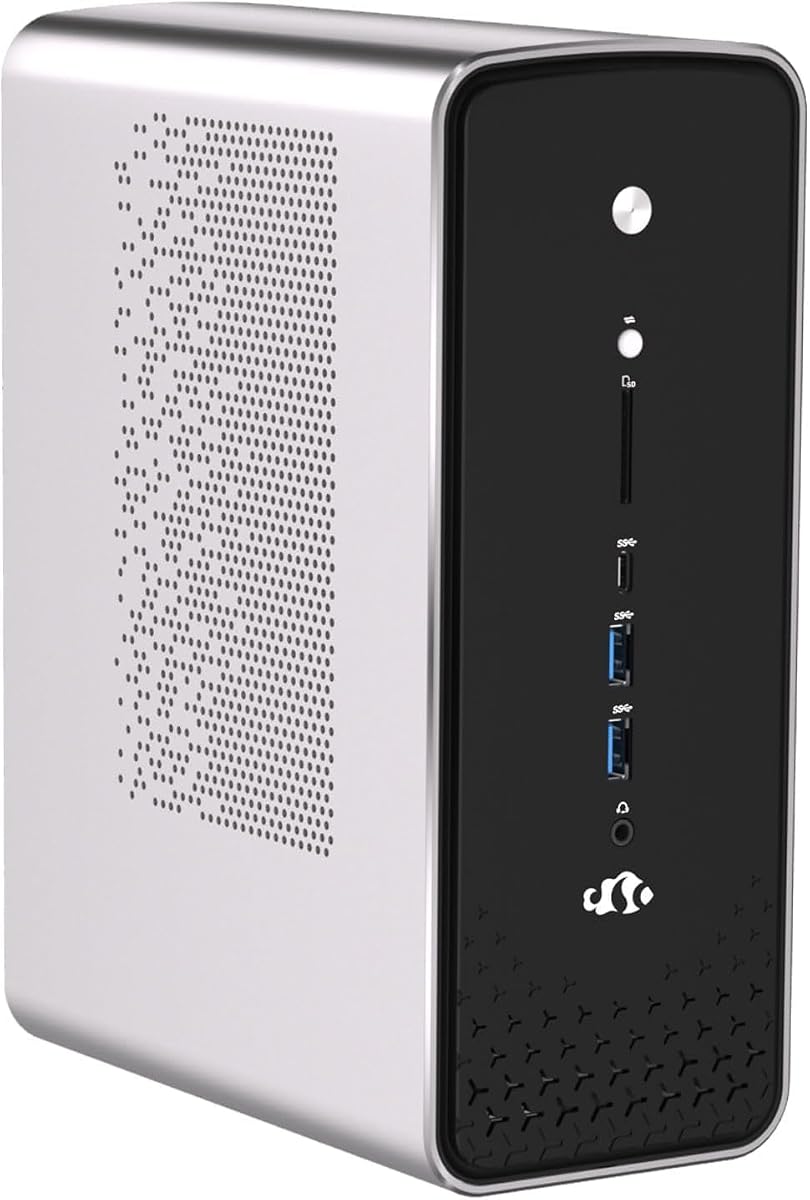
The Beelink SER9 Pro brings a unique blend of AI tools and standard Ubuntu functionality right out of the box. It features Openclaw pre installed which supports major application scenarios from productivity to browser automation automatically.
We may earn a commission when you buy through this link, at no additional cost to you.
Its hardware specs are impressive with a Ryzen 7 255 CPU and Radeon 780M graphics. This allows for smooth gaming and multimedia use alongside development work making it a strong all rounder for enthusiasts.
The cooling system keeps noise low while the triple display setup enhances productivity. You can connect multiple monitors for coding and monitoring without lag thanks to the high bandwidth memory.
Choose this for a premium experience that bridges consumer gaming and professional development. It is ideal if you want a compact PC that handles AI assisted tasks well on Ubuntu.
Openclaw provides built in tools for automation and development assistance. This reduces the need to install third party extensions immediately when you start working.
HDMI 2.1 and DP1.4 ports allow three 4K displays simultaneously. This is perfect for traders or developers who need wide screen real estate.
We may earn a commission when you buy through this link, at no additional cost to you.
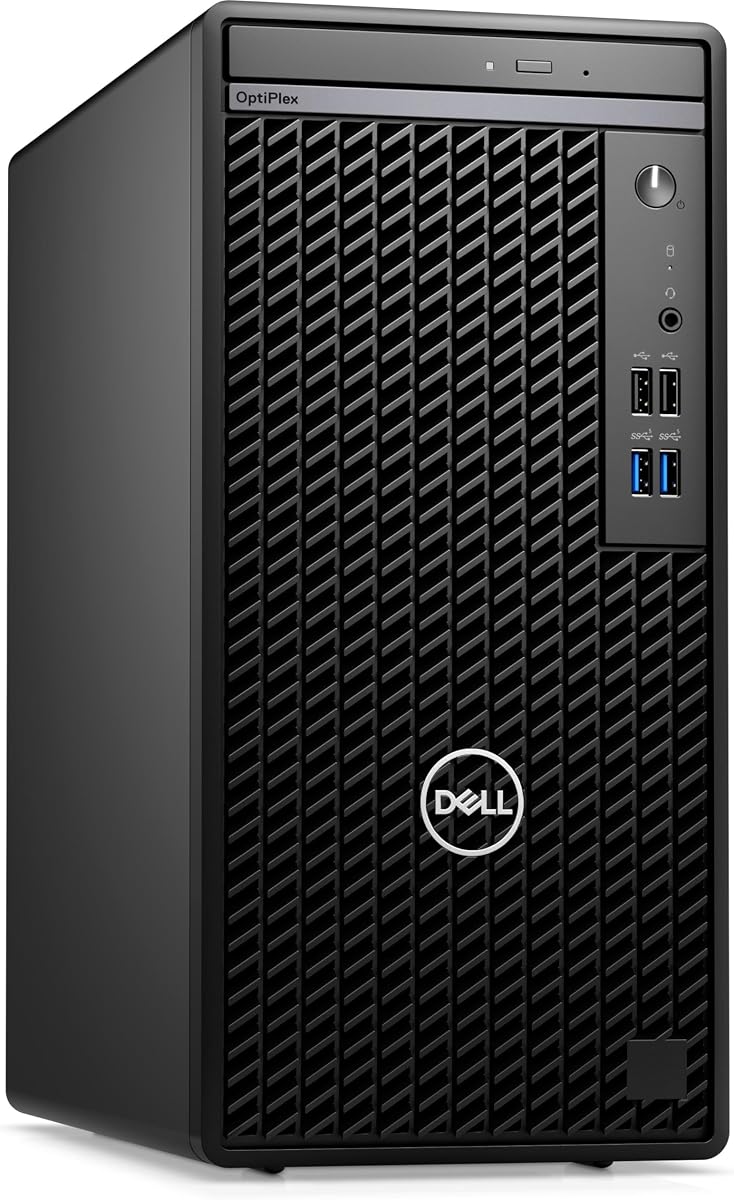
The Dell Optiplex 7010 offers a cost effective entry point for those needing Ubuntu on reliable hardware. It ships with Ubuntu Linux 22.04 ensuring compatibility with most tools without extra setup steps.
We may earn a commission when you buy through this link, at no additional cost to you.
Equipped with a 13th Gen i5 processor it delivers modern performance for office tasks. The 14 core design handles multitasking well enough for general use cases like coding or browsing.
While storage and memory are modest they are upgradeable within the mini tower chassis. This gives you room to grow as your project needs become more demanding over time.
This unit is perfect for budget conscious buyers needing a stable Linux workstation. It balances cost and performance effectively for small offices or home setups.
Dell business towers are built for daily operation and long life. This means fewer hardware failures and consistent performance over years of use.
The mini tower design allows adding more RAM or SSD later. This makes it a flexible choice as your storage needs increase.
We may earn a commission when you buy through this link, at no additional cost to you.
The ASUS NUC 14 Pro uses Linux Mint to provide a streamlined experience for creators. Linux Mint is known for being stable and easy to use which fits many professional workflows well.
We may earn a commission when you buy through this link, at no additional cost to you.
Its Intel Arc GPU handles visuals smoothly making it good for media editing. The Thunderbolt 4 port allows fast data transfers to external drives or displays.
Cooling is efficient keeping the unit silent during heavy workloads. This is beneficial if you need quiet performance for recording or office use.
Consider this if you prefer a lightweight system over heavy desktops. It offers modern connectivity and a privacy focused OS out of the box.
Linux Mint reduces clutter and bloatware for a clean experience. This helps developers focus on code without system interruptions.
Connect to fast storage or docks with minimal latency. This speeds up large file transfers significantly.
We may earn a commission when you buy through this link, at no additional cost to you.
The Dell Pro Micro QCM1250 is a compact business unit with AI ready features. It includes Ubuntu Linux 18.04 which might need updating for latest packages but hardware is modern.
We may earn a commission when you buy through this link, at no additional cost to you.
Powered by the 15th Gen processor it delivers strong performance in a small chassis. The DDR5 memory ensures fast data access for business applications.
Its design minimizes desk space while maintaining connectivity options. This makes it ideal for front offices or shared workspaces.
Buy this if you need a modern small form factor machine. Just ensure you plan for OS updates to match current software needs.
The 15th Gen chip supports new instruction sets for efficiency. This improves battery life and performance in active tasks.
The tiny size leaves room for monitors and docs. This helps organize workspace ergonomically.
We may earn a commission when you buy through this link, at no additional cost to you.
The ASUS PB64 offers a powerful base for those willing to install Linux themselves. It features toolless chassis access making hardware upgrades simple without tools.
We may earn a commission when you buy through this link, at no additional cost to you.
Its Ultra 7 265 provides robust processing for enterprise tasks. The TPM hardware ensures security standards are met for business environments.
While it comes with Windows you can install Ubuntu for development. The VESA mount included saves desk space efficiently.
This unit is great for custom Linux builds needing security. It balances power and upgradeability in a compact frame.
Open the case without screws for quick changes. This makes hardware maintenance fast and easy.
Hardware TPM protects sensitive data effectively. This is essential for secure business deployments.
We may earn a commission when you buy through this link, at no additional cost to you.
The Dell OptiPlex 7070 SFF is a powerful renewed option often upgraded to Linux. It includes 32GB of RAM which supports virtualization on Ubuntu well.
We may earn a commission when you buy through this link, at no additional cost to you.
Its 1TB NVMe SSD ensures rapid boot times and file access. The i7-9700 processor handles multiple apps without slowdown.
WiFi 6E connectivity ensures stable network performance in busy offices. This helps with large cloud sync tasks or remote access.
Buy this if you want proven business reliability. The high RAM and storage make it versatile for custom OS installs.
32GB allows running multiple virtual machines. This is crucial for complex development environments.
Boot to Ubuntu quickly with NVMe storage. This improves daily workflow efficiency.
We may earn a commission when you buy through this link, at no additional cost to you.
The Dell Optiplex 7060 SFF is a reliable workhorse for custom Linux installs. It ships with 32GB RAM which is rare for small form factors.
We may earn a commission when you buy through this link, at no additional cost to you.
The 512GB NVMe SSD provides quick system response for daily tasks. Built-in WiFi makes it ready for home office use immediately.
Its design supports future expansion if needed for upgrades. This makes it a flexible choice for growing teams.
Consider this for a proven hardware base. The high RAM makes it a strong candidate for running Ubuntu smoothly.
Included keyboard and mouse save setup effort. This streamlines unboxing and installation.
SFF design fits under monitors easily. This keeps desks clean and tidy.
We may earn a commission when you buy through this link, at no additional cost to you.
The Dell Optiplex 7050 SFF offers a large storage base for Linux users. It includes 1TB SSD which is great for storing data locally.
We may earn a commission when you buy through this link, at no additional cost to you.
Dual monitor support helps multitasking on a small budget. The 32GB RAM ensures smooth multitasking on Linux distributions.
Its condition ensures reliable daily performance without issues. This makes it a safe choice for general office use.
Buy this if you need storage capacity. It handles basic development tasks well with the extra memory.
1TB SSD holds extensive projects locally. This reduces need for external drives.
Connect two screens for coding. This improves screen real estate significantly.
We may earn a commission when you buy through this link, at no additional cost to you.
The Dell Optiplex 5050 SFF is a solid entry point for Linux conversion. It has 16GB RAM which is sufficient for most standard development tasks.
We may earn a commission when you buy through this link, at no additional cost to you.
Its 512G NVMe SSD ensures quick boot times on Ubuntu. The compact design saves desk space effectively.
It is a reliable choice for budget focused buyers. The business build quality ensures long term usage.
Choose this for a stable small desktop. It works well for basic coding and office tasks.
Saves desk space while maintaining power. This keeps workspace organized.
Fast drive for system speed. This reduces waiting during app launches.
We may earn a commission when you buy through this link, at no additional cost to you.
Selecting a Linux machine requires attention to hardware support and operating system specifics.
Always check if Ubuntu comes pre installed or if it is a dual boot. Ensure the version matches your software dependencies for development.
Prioritize systems with up to date packages to reduce configuration effort.
Modern CPUs like Ryzen and Intel Ultra offer better performance and security features. Ensure the architecture matches your build tools.
Focus on multi core counts for compiling code efficiently.
Linux systems perform best with at least 16GB of RAM for multitasking. Developers running virtual machines need 32GB or more.
Prioritize DDR5 speed if available for faster data processing.
NVMe SSDs provide faster boot and load times for operating systems. Ensure sufficient space for data and applications.
Look for expandable storage slots to keep systems flexible.
Modern systems require USB4 or Thunderbolt for high speed data. Wi-Fi 6E ensures stable network connections.
Check for HDMI and DisplayPort support to match your monitor setup.
Small PCs often struggle with heat under load. Ensure the system has efficient cooling for silent operation.
Look for copper cooling modules or silent fan designs.
First, update the operating system immediately after setup to install security patches. Run the terminal command to refresh your package lists.
Second, configure your development environment to match the OS version. Use container tools to isolate dependencies for projects.
Third, monitor system temperatures regularly to prevent overheating. Ensure airflow vents remain clear of dust for stable performance.
A pre installed system ensures drivers are optimized and saves setup time. It avoids compatibility issues that often occur when switching OS manually. This leads to a more stable workflow immediately.
Yes modern Mini PCs handle coding and virtualization well. Their low power consumption makes them ideal for long work sessions without overheating. They provide a clean setup for professional development.
Dual OS allows you to use both Windows and Linux environments. This is useful if your team needs different software stacks. You avoid buying two separate machines for different needs.
Most drivers are included with the operating system image. However checking for kernel updates ensures maximum hardware compatibility. This is standard practice for all systems.
It depends on the specific model. Some Mini PCs have fixed memory while others allow expansion. Always check the specs before buying to confirm upgradeability.
Renewed models are tested and certified for performance. They offer significant cost savings while providing the same business reliability. This makes them a smart choice for budget constrained teams.
We reviewed top models ranging from compact Mini PCs to business towers. The NIMO Dual OS and Beelink SER9 Pro stand out for their hardware specs.
Prioritize processor power and RAM if you plan on heavy development work. For simple office tasks the Optiplex options provide reliable performance.
Prices and stock change so verify current availability before purchasing. Ensure you have enough time to test the system upon arrival for compatibility.