
TP-Link TL-SG105
4.7Editor score
Five gigabit ports
Plug and play setup
Metal durable design
This guide compares ten top Eero Ethernet switch options for home and business networking, highlighting speed, PoE support, and ease of use for seamless
Choosing the right Ethernet switch for your Eero network ensures stable connections and fast speeds throughout your home or office space. Whether you need PoE for access points or simple port expansion, finding the right hardware matters.
We compared ten highly rated switches based on port count, speed capabilities, management features, and compatibility with Eero systems. Our analysis focuses on real-world performance and value for different networking needs.
Each pick shows key specs and pros to help you decide quickly. Prices and availability change frequently so check current listings before purchasing to ensure you get the best deal available today.
4.7Editor score

4.4Editor score

4.8Editor score
Below is a side-by-side comparison of all ten products to help you evaluate key differences in ports, speed, and features at a glance.



This gateway serves as both router and switch with 10 ports. It rates highly for integrating PoE for Eero access points without extra gear.
We may earn a commission when you buy through this link, at no additional cost to you.
Its two 10 GbE ports support speeds up to 9.4 Gbps. Eight ports deliver pooled PoE power to up to eight Eero PoE 6 or six PoE 7 access points.
Trade-offs include higher cost and dependency on Eero app for management. These are acceptable for users prioritizing seamless mesh integration and wired backhaul.
Buy it if you want a unified Eero setup with robust Ethernet expansion. It simplifies network management while delivering enterprise-grade PoE capabilities.
Works natively with the Eero app for unified network management and monitoring across all connected devices and access points.
Ten ports including dual 10 GbE uplinks provide ample bandwidth for gaming, streaming, and smart home devices without bottlenecks.
We may earn a commission when you buy through this link, at no additional cost to you.
A compact unmanaged switch with five gigabit ports. It earns high ratings for reliability and ease of use in budget-conscious setups.
We may earn a commission when you buy through this link, at no additional cost to you.
Auto-negotiating ports handle speeds up to 1Gbps. Energy-efficient tech reduces power consumption while metal shielding protects against interference.
Limited port count and lack of PoE restrict advanced use. These are acceptable for basic expansion of desktops or consoles near Eero nodes.
Buy it for simple port expansion where cost matters most. It delivers solid performance without configuration complexity for home offices.
No software or configuration is required. Simply connect devices to expand your network instantly without technical expertise.
Metal housing withstands daily wear while fanless design ensures silent operation ideal for living rooms or offices.
We may earn a commission when you buy through this link, at no additional cost to you.
An 8-port managed switch with 62W PoE budget. It stands out for balancing smart features with simplicity for small business or power users.
We may earn a commission when you buy through this link, at no additional cost to you.
Ports auto-negotiate up to 1Gbps. Interface allows VLANs, QoS, and per-port control. Fanless design ensures quiet energy-efficient operation.
Setup is more involved than unmanaged units. This is acceptable for users needing traffic management or PoE for cameras or access points.
Buy it if you need PoE and control without enterprise complexity. It delivers robust management features at an accessible price point.
Per-port PoE controls let you manage power distribution efficiently to cameras, VoIP phones, or wireless access points.
QoS features ensure video calls and gaming traffic take precedence to maintain smooth performance across the network.
We may earn a commission when you buy through this link, at no additional cost to you.
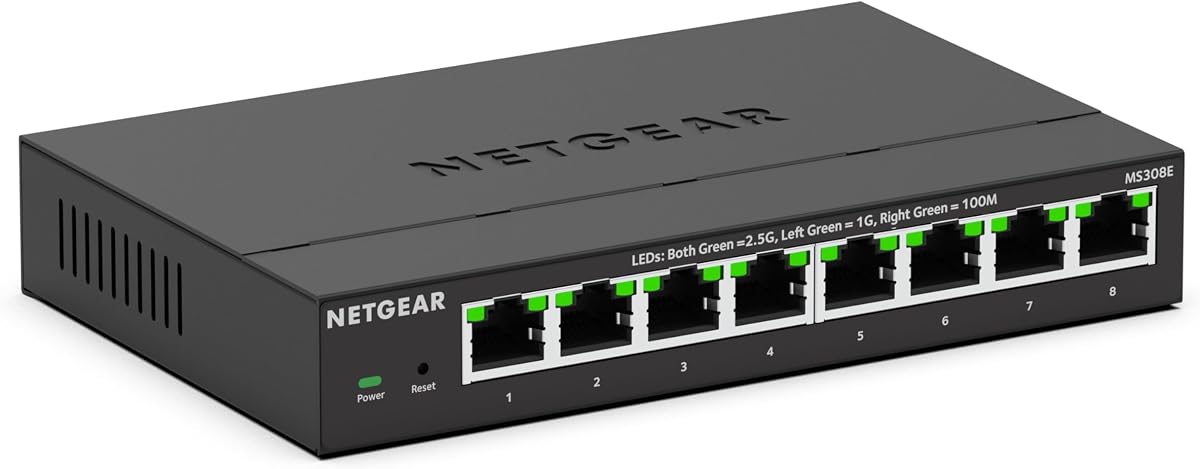
Eight ports supporting 2.5Gbps speeds for future-ready connectivity. It appeals to users needing more than standard gigabit bandwidth.
We may earn a commission when you buy through this link, at no additional cost to you.
Auto-negotiation works with Cat5e or Cat6 cables. Managed interface adds VLAN and QoS features without complex configuration.
Premium cost may exceed basic needs. This is acceptable for streaming rigs or NAS users requiring multi-gigabit throughput.
Buy it to unlock faster wired speeds without rewiring. It bridges the gap between legacy infrastructure and modern high-speed demands.
2.5Gbps ports handle next-gen internet plans and local transfers smoothly without upgrading existing Ethernet cables.
Easy Smart interface provides essential management tools like port monitoring and traffic prioritization for better control.
We may earn a commission when you buy through this link, at no additional cost to you.
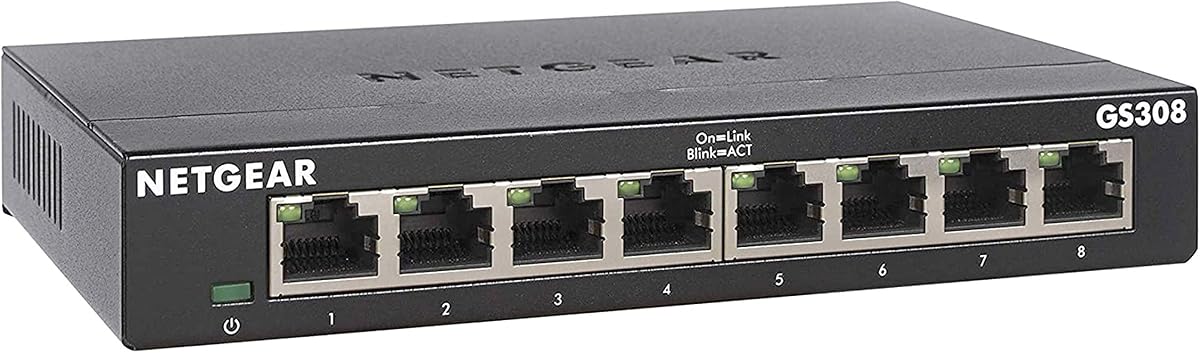
Eight gigabit ports in an unmanaged design. It receives top marks for reliability and straightforward port expansion for homes.
We may earn a commission when you buy through this link, at no additional cost to you.
Auto-negotiation ensures optimal speed per device. Metal casing supports wall or desktop mounting for versatile placement.
No PoE or advanced features limit flexibility. This is acceptable for connecting consoles or PCs where cost and simplicity matter.
Buy it for expanding wired connections affordably. It delivers consistent performance without overhead for everyday home networking.
Compact metal design fits on desks or mounts on walls to save space while keeping cables organized.
Fanless cooling ensures quiet running even during extended use for gaming or streaming marathons.
We may earn a commission when you buy through this link, at no additional cost to you.
Five ports with smart managed capabilities. It offers essential controls like VLANs and QoS for small office or advanced home use.
We may earn a commission when you buy through this link, at no additional cost to you.
Auto-negotiating ports support up to 1Gbps. Interface simplifies network segmentation without complex command line tools.
Fewer ports than 8-port models. This is acceptable for setups needing basic segmentation without overwhelming expense.
Buy it if you need control without bulk. It balances management features with compact design for tighter spaces.
VLAN support helps separate guest traffic from main network improving security and performance.
Small footprint fits neatly on desks while fanless design keeps noise levels low.
We may earn a commission when you buy through this link, at no additional cost to you.
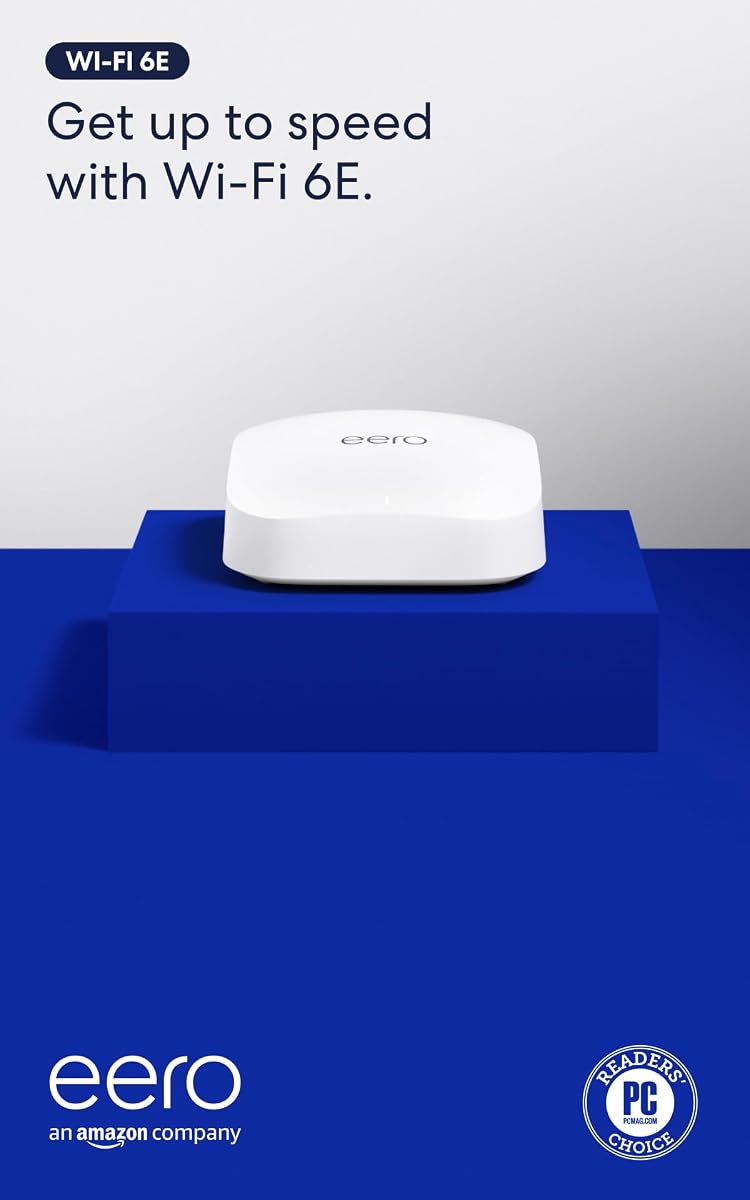
First Eero Wi-Fi 6E router supporting 6 GHz band. It receives positive ratings for lowering latency and supporting fast internet plans.
We may earn a commission when you buy through this link, at no additional cost to you.
Wired speeds up to gigabit plus wireless up to 1.6 Gbps. TrueMesh technology routes traffic intelligently to reduce dead spots.
Only one Ethernet port available. This limits wired expansion compared to dedicated switches but integrates well with Eero mesh.
Buy it for modern Wi-Fi performance and smart home hub features. It expands Eero coverage with advanced wireless speeds.
Access to 6 GHz provides wider channels and less interference for high-speed devices.
Built-in Zigbee support connects smart devices without extra hubs.
We may earn a commission when you buy through this link, at no additional cost to you.
Affordable Wi-Fi 6 router covering up to 1,500 sq ft. It rates well for balancing cost and performance in average homes.
We may earn a commission when you buy through this link, at no additional cost to you.
Supports 900 Mbps plans and 75+ devices. TrueMesh tech routes traffic to prevent drops during streaming.
Ports limited to one Ethernet. This is acceptable if primary needs are wireless coverage rather than wired expansion.
Buy it to upgrade wireless performance without overspending. It offers solid coverage and smart features for everyday use.
Eliminates need for separate smart hubs by connecting compatible Alexa devices directly.
Optimized range reduces dead spots while maintaining consistent connection quality.
We may earn a commission when you buy through this link, at no additional cost to you.
Wi-Fi 7 access point with 10 GbE PoE+ port. It promises cutting-edge speeds and multi-gig backhaul for future networks.
We may earn a commission when you buy through this link, at no additional cost to you.
Supports 200+ devices and 2,000 sq ft. Tri-band boosts throughput while TrueChannel reduces interference.
Needs compatible Eero PoE gateway. This is acceptable for premium setups targeting maximum wireless performance and clean installs.
Buy it to prepare for next-gen devices. It delivers top-tier throughput and seamless roaming in large spaces.
Dedicated backhaul band ensures high-speed connections even with many active devices.
PoE removes power cables for sleek mounting anywhere.
We may earn a commission when you buy through this link, at no additional cost to you.
Affordable Wi-Fi 7 router supporting 2.5 Gbps plans. It receives high marks for dual 2.5 GbE ports and MLO support.
We may earn a commission when you buy through this link, at no additional cost to you.
Supports 120+ devices and 2,000 sq ft. TrueMesh software maintains optimal connection paths efficiently.
Dual-band may limit peak throughput compared to tri-band. This is acceptable for most users prioritizing Ethernet flexibility.
Buy it to adopt Wi-Fi 7 early. It balances next-gen speed with practical wired connectivity options.
MLO combines bands for faster throughput and lower latency.
Two 2.5 GbE ports handle high-speed wired devices and backhaul effectively.
We may earn a commission when you buy through this link, at no additional cost to you.
Selecting the ideal switch depends on your network goals, port needs, and whether you require Power over Ethernet for access points.
Determine how many devices need wired connections. Five ports suit small setups while eight or more handle offices or media centers.
Choose a model with extra ports beyond your current needs to accommodate future growth.
Gigabit speeds suffice for most users. Multi-gigabit 2.5Gbps or 10Gbps supports high-speed internet plans and local NAS transfers.
Match switch speed to your internet plan and internal network demands.
PoE allows power delivery over Ethernet for cameras and access points. Check budget requirements and port counts for PoE devices.
If using Eero PoE access points, ensure your switch supports compatible E.
Unmanaged switches plug and play. Managed options offer VLANs and QoS for traffic control.
Select managed only if you need advanced network segmentation or prioritization.
Eero systems pair best with the PoE Gateway for seamless control. Third-party switches expand ports but may lack app features.
Consider native Eero hardware for unified management and setup.
Desktop units sit on shelves while wall-mount designs save space. Metal cases dissipate heat better.
Choose based on available space and aesthetic needs.
Energy Efficient Ethernet reduces power use when idle. Look for fanless models to avoid noise.
Efficiency matters for always-on devices in living spaces.
Most reputable brands offer three-year warranties and free support. Check policies before purchasing.
Longer warranty periods indicate confidence in build quality.
Connect the switch to your modem or Eero gateway using an Ethernet cable. Plug in the power supply and allow the device to boot up before connecting clients.
Arrange cables neatly using clips or ties to avoid tangling. Label each port for easier identification during troubleshooting or future changes.
Keep the switch in a well-ventilated area away from heat sources. Clean dust periodically with compressed air to maintain airflow and performance.
Yes, if you use Eero PoE access points you need a switch with PoE capability. The Eero PoE Gateway provides built-in PoE eliminating the need for separate injectors.
Five ports work for small homes. Eight or more are better if you connect multiple gaming consoles, smart TVs, or office computers.
Yes you can connect third-party switches to any Eero model. They expand wired ports but may not integrate with the Eero app management.
Unmanaged switches plug and play without setup. Managed switches offer configuration for VLANs and traffic control but require more effort.
It helps if your internet plan exceeds 1Gbps or you transfer files locally. Otherwise standard gigabit switches suffice for most uses.
Use WPA3 encryption on Eero routers. For extra security, choose managed switches supporting port isolation and MAC filtering.
The Amazon eero PoE Gateway leads for seamless integration while TP-Link TL-SG105 offers budget value. NETGEAR models bring flexibility for PoE and management needs.
Prioritize port count and speed to match your devices. PoE support matters if using powered access points or cameras.
Prices fluctuate regularly so review current listings before purchasing. The right switch enhances your Eero network without unnecessary cost.