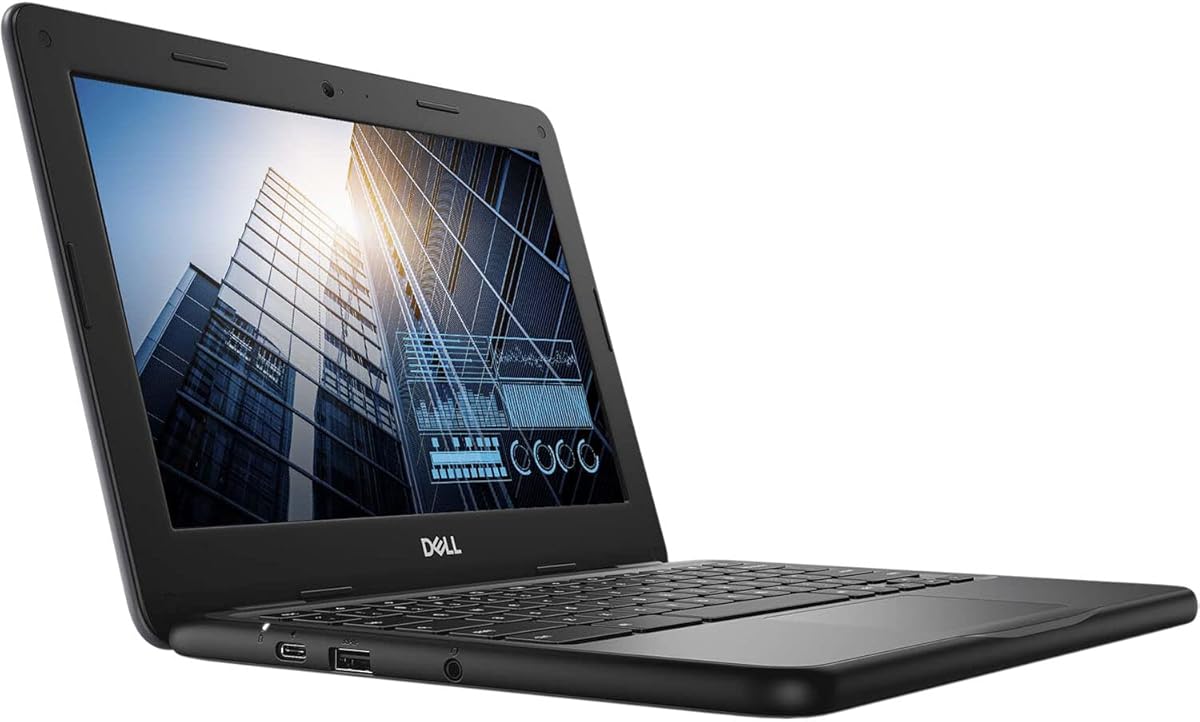
Dell Chromebook 11 3100
4.2Editor score
Compact 11.6 Inch Screen
Chrome OS Security
Renewed Affordability
Finding the right laptop for an eight year old requires balancing durability with performance. Young students need devices that can handle educational apps without breaking easily under daily use.
We compared ten real models based on screen size battery life and operating system suitability. Each pick offers unique benefits for learning entertainment and secure browsing experiences.
Every review highlights key specs pros and cons to help you decide. Keep in mind that availability and pricing may shift slightly over time on retailer sites.
4.2Editor score

4.4Editor score

4.3Editor score
As an Amazon Associate we earn from qualifying purchases.
This side by side comparison reviews all ten selected laptops. Each entry lists core specifications like processor type ram size and storage capacity to help you compare options quickly.




This Lenovo Chromebook stands out as the top pick for eight year olds with its bright Full HD touchscreen and reliable MediaTek processor. It carries a strong rating of 4.4 stars from users who appreciate the smooth performance and battery life.
We may earn a commission when you buy through this link, at no additional cost to you.
The 8 core MediaTek Kompanio 520 ensures that web browsing and educational apps run without lag. With 4 GB of RAM and 128 GB of storage, kids can save school projects and enjoy streaming content comfortably.
While the soldered memory limits future upgrades, the 8 year auto update guarantee means the device stays secure longer than most. The physical privacy shutter on the webcam adds a valuable layer of safety for young users.
Families seeking a balanced laptop for school and play should consider this model. It offers the best mix of performance, screen quality, and durability in our current lineup.
The 14 inch FHD display delivers crisp visuals that help children engage better with learning materials and videos.
With up to 13 hours of battery life, students can use the device all day without needing a recharge at school.
We may earn a commission when you buy through this link, at no additional cost to you.
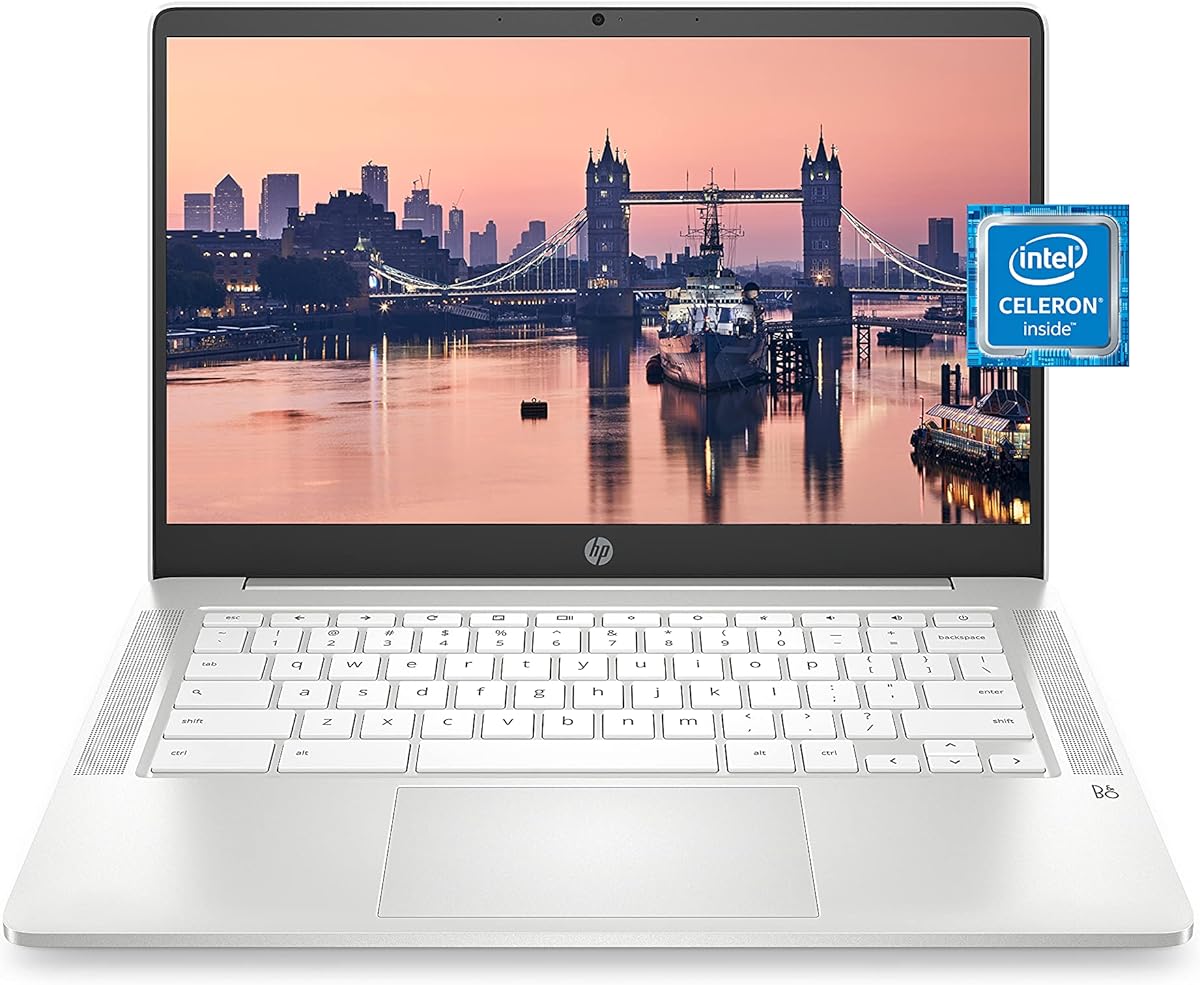
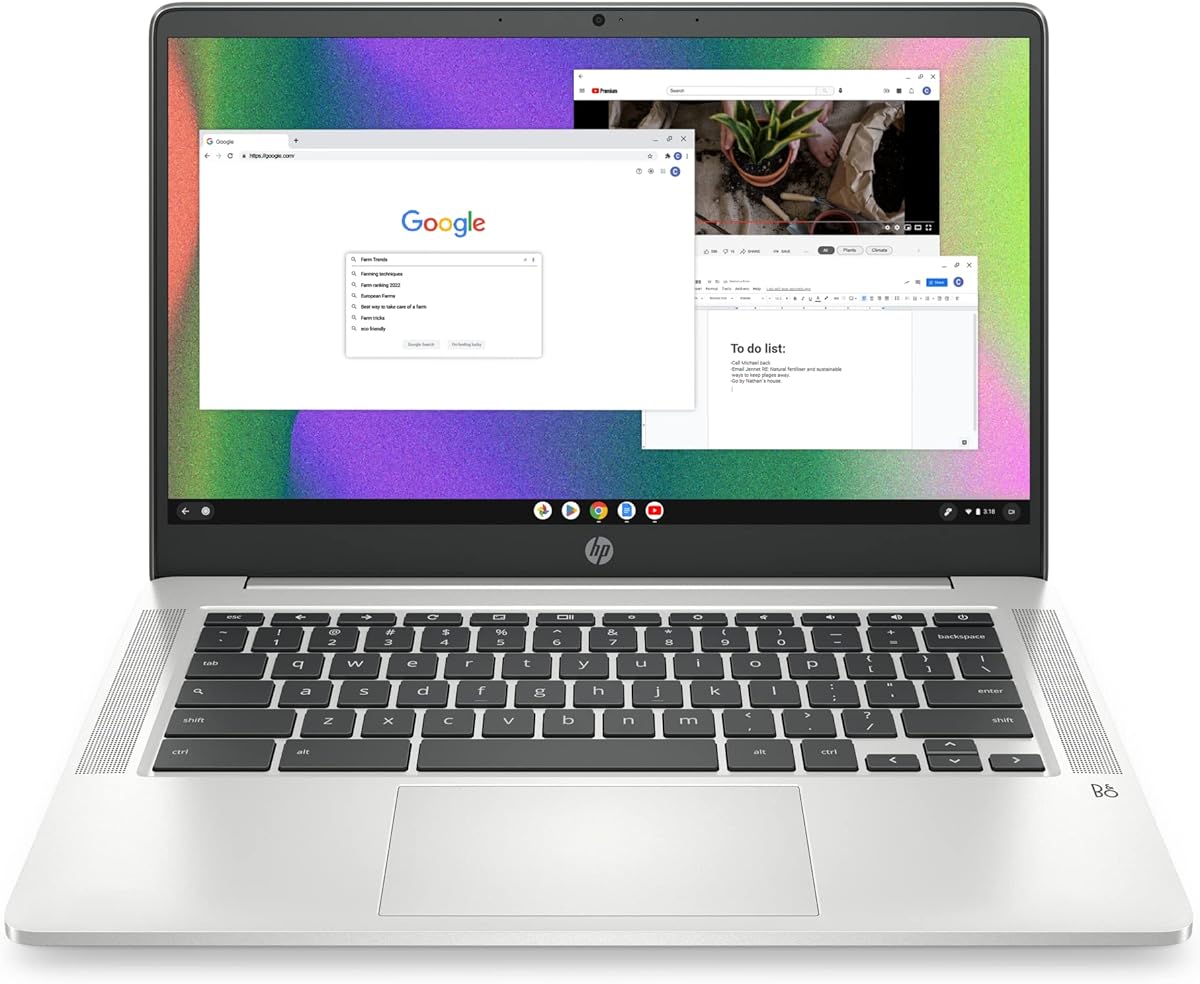
The HP Chromebook 14 offers a simple and effective solution for young students who need a portable device. It holds a rating of 4.4 stars and is known for its lightweight build and clear display.
We may earn a commission when you buy through this link, at no additional cost to you.
Powered by an Intel Celeron N4000 processor, this laptop handles basic tasks like web browsing and document editing with ease. The 4 GB of RAM supports smooth multitasking for everyday school activities.
Although it has 32 GB of storage which is modest, the Chrome OS environment relies mostly on cloud storage so local space is less critical. The dual microphones ensure clear audio during online classes.
Parents looking for a budget friendly and portable option will find this HP model reliable. It is a solid choice for children who prioritize mobility over heavy storage needs.
Weighing just 3.24 lbs, this laptop is easy for children to carry in a backpack between classes or to the library.
The Chrome operating system provides built-in protection against threats keeping young users safe online without extra software.
We may earn a commission when you buy through this link, at no additional cost to you.
This Lenovo model introduces the versatility of a 2 in 1 design allowing the screen to fold back for tablet use. It carries a 4.0 rating and is ideal for interactive learning activities.
We may earn a commission when you buy through this link, at no additional cost to you.
The MediaTek Quad-core processor delivers adequate performance for web apps and light gaming. Touchscreen capabilities make navigation intuitive for children who are new to computers.
As a renewed item, it may show minor signs of use but offers significant savings. The 11.6 inch size is perfect for smaller desks and younger hands.
Families wanting flexibility between laptop and tablet modes will appreciate this choice. It combines functionality with affordability for budget conscious shoppers.
The touchscreen allows kids to interact directly with educational apps making math and reading exercises more engaging.
Switching between laptop and tablet modes helps children find the most comfortable position for writing or reading.
We may earn a commission when you buy through this link, at no additional cost to you.
Samsung designed this Chromebook to withstand the rigors of daily student use. With a 4.3 rating, it stands out for its durability and modern connectivity features like Wi Fi 6.
We may earn a commission when you buy through this link, at no additional cost to you.
The Intel Celeron N4500 is faster than previous generations ensuring smoother performance for video calls and media. Sixty-four gigabytes of storage offers room for more apps and files.
While the cost is higher than other options the build quality justifies the investment for active children. The long battery life supports uninterrupted learning throughout the school day.
Parents prioritizing resilience and modern features should consider this Samsung model. It balances style function and toughness effectively for young users.
The military tough design ensures the device can handle drops and dings common in classroom environments.
Wi Fi 6 provides faster internet speeds which helps reduce lag during online lessons or streaming.
We may earn a commission when you buy through this link, at no additional cost to you.
This device blends the feel of a laptop with the Android ecosystem. It holds a 3.4 rating and appeals to those seeking Android app access in a clamshell form.
We may earn a commission when you buy through this link, at no additional cost to you.
The quad-core processor manages basic tasks well though the 2 GB of RAM may limit heavy multitasking. Kids can access the Play Store to download educational games and tools.
The 10.1 inch IPS display provides decent viewing angles. It is very light making it easy to carry around.
For casual use and app diversity this option offers value. Families comfortable with Android systems will find it suitable for light school work.
Access to the Google Play Store means thousands of educational apps are ready for instant download and use.
Weighing 0.75 kg this device is ultra-light and fits easily into small bags or backpacks.
We may earn a commission when you buy through this link, at no additional cost to you.
This HP Chromebook offers a slight performance upgrade over the N4000 model with the N4120 processor. It earns a 4.3 rating for its reliability and storage capacity.
We may earn a commission when you buy through this link, at no additional cost to you.
With 64 GB of storage, users have more space for downloads and photos. The quad-core design ensures responsive performance for typical web tasks.
Fast Charge technology allows quick power boosts when needed. The sustainable design meets energy efficiency standards which is a bonus for eco conscious buyers.
Budget savvy families looking for a step up in specs will appreciate this choice. It delivers solid performance for the price.
64 GB of storage provides double the space of basic models for saving files offline.
The laptop can charge from zero to fifty percent in about forty five minutes to minimize downtime.
We may earn a commission when you buy through this link, at no additional cost to you.
Repeating a top contender, this model continues to impress with its comprehensive feature set. It matches the first pick for its excellent balance of power and usability.
We may earn a commission when you buy through this link, at no additional cost to you.
The Full HD touchscreen adds clarity to learning materials. The 8 core processor handles multiple tabs and video streams smoothly.
While the SD card adds storage, it is an external component that could be lost. However, the internal specs are robust enough for growing needs.
This device remains a strong recommendation for students needing a modern and reliable computer. It is easy to use and maintain.
Finger touch navigation allows intuitive scrolling and zooming on web pages and maps.
The physical shutter on the webcam gives users control over when the camera is active.
We may earn a commission when you buy through this link, at no additional cost to you.
This HP model focuses on portability without compromising essential features. It holds a 4.4 rating for being user friendly and easy to carry.
We may earn a commission when you buy through this link, at no additional cost to you.
The 11.6 inch screen is smaller but still clear. The touchscreen adds an interactive layer for kids who prefer tapping over typing.
While 32 GB of storage is limited the cloud capabilities of Chrome OS mitigate this. It is an efficient tool for basic school tasks.
Parents of younger children or those needing a travel companion will find this fit well. It is reliable and easy to handle.
The small size fits easily into backpacks and is not too heavy for small shoulders.
Seamless integration with Google services makes sharing homework and collaborating with teachers simple.
We may earn a commission when you buy through this link, at no additional cost to you.
This 2023 model brings newer connectivity standards to the lineup. With a 4.5 rating, it is highly regarded for its speed and display quality.
We may earn a commission when you buy through this link, at no additional cost to you.
The MediaTek processor supports fast performance and the Wi Fi 6 ensures quick downloads. The slim design looks professional and feels light.
While the storage is standard it is sufficient for online work. The inclusion of accessories adds value to the purchase.
Families wanting the latest tech at a reasonable price should choose this one. It is a future proof option for students.
Wi Fi 6 provides faster speeds and better range for streaming and video calls.
The slim chassis reduces bulk making it easier to store in tight spaces.
We may earn a commission when you buy through this link, at no additional cost to you.
This toy laptop is designed for learning rather than productivity. It has a 4.5 rating for engaging children with educational content safely.
We may earn a commission when you buy through this link, at no additional cost to you.
The device features over 80 pre loaded activities covering math and science. The bilingual feature supports language learning in English and Spanish.
Since it does not need internet, parents do not worry about online safety. It uses batteries so it is portable without a charger.
For very young learners or supplemental practice this is a great tool. It builds computer confidence without real software complexity.
No internet connection means parents can rest easy knowing the child is not exposed to the web.
Activities switch between English and Spanish helping kids learn vocabulary in both languages.
We may earn a commission when you buy through this link, at no additional cost to you.
The Dell Chromebook 11 3100 brings enterprise level build quality at a consumer friendly cost. It holds a 4.2 rating for reliability and value.
We may earn a commission when you buy through this link, at no additional cost to you.
With 16 GB of storage, users must rely on cloud services. The renewed status means it is inspected for function but may show cosmetic wear.
The small screen is ideal for younger kids or travel. The Celeron processor handles basic browsing efficiently.
For tight budgets this is the most cost effective option. It offers essential tools for online learning without the extra cost of a full laptop.
The low price point makes it accessible for families who need multiple devices or just a starter machine.
Certified renewed products are tested for performance ensuring you get a working laptop at a discount.
We may earn a commission when you buy through this link, at no additional cost to you.
Selecting the right laptop involves looking at several key factors. This guide explains what matters most for children in the eight year old age group.
Chrome OS is often the top choice for young students due to its simplicity and security. It manages updates automatically and protects against malware without extra software.
Look for Chrome OS or Android systems that are easy to navigate.
The processor determines how fast the laptop runs. For web browsing and educational apps, an Intel Celeron or MediaTek Kompanio provides good value and speed.
Choose a quad core processor to avoid lag during video calls.
Four gigabytes of RAM is usually sufficient for multitasking. Storage can be limited if the device relies on cloud services.
Prioritize at least 4 GB RAM for smooth performance.
An 11 to 14 inch screen balances portability with usability. HD or Full HD resolution ensures text and images are clear.
A screen between 11 and 14 inches is ideal.
Long battery life allows children to use the laptop all day without charging. Look for ratings of 10 hours or more.
Select a device with long lasting power.
Kids are rough on electronics so a rugged or durable build is valuable. Military grade toughness or sturdy plastic helps prevent damage.
Choose a durable design to withstand daily use.
Modern Wi Fi standards ensure stable internet for streaming and classes. Bluetooth supports accessories like headphones or mice.
Ensure the laptop supports current Wi Fi protocols.
Built-in safety features like privacy shutters and automatic updates keep data and kids safe. Parental controls are also important.
Verify that security features are included.
Teach your child to close the lid gently to protect the screen. Encourage them to keep liquids away from the keyboard to avoid spills.
Use a protective case or sleeve when transporting the laptop. This prevents scratches and bumps in the backpack.
Regularly check for software updates to maintain security and performance. This keeps the device running smoothly over time.
Chrome OS is widely considered the best option because it is secure and easy to use. It manages updates automatically and offers a simple interface for young learners.
A touchscreen adds a layer of interactivity that can be engaging for children. However it is not strictly necessary as many tasks can be done with a trackpad.
Since most schoolwork happens online, 32 GB to 64 GB is usually enough. Cloud storage services can hold documents and photos without needing a large hard drive.
For basic learning and web use a Chromebook is often better due to lower cost and higher security. Windows laptops are useful if they require specific desktop software.
These devices handle light web games and apps well. However they are not designed for heavy graphics or complex video games.
Ideally the battery should last at least 10 hours. This ensures the laptop lasts through a full school day without needing a charge.
We have reviewed ten top models to help you find the right device. The Lenovo Chromebook 14 offers the best balance of features while the HP and Samsung options provide strong alternatives.
Focus on performance and durability when making your final choice. These two factors ensure the laptop serves your child well throughout their school years.
Always check current prices and availability on retailer sites before buying. Deals can change and stock levels vary over time.